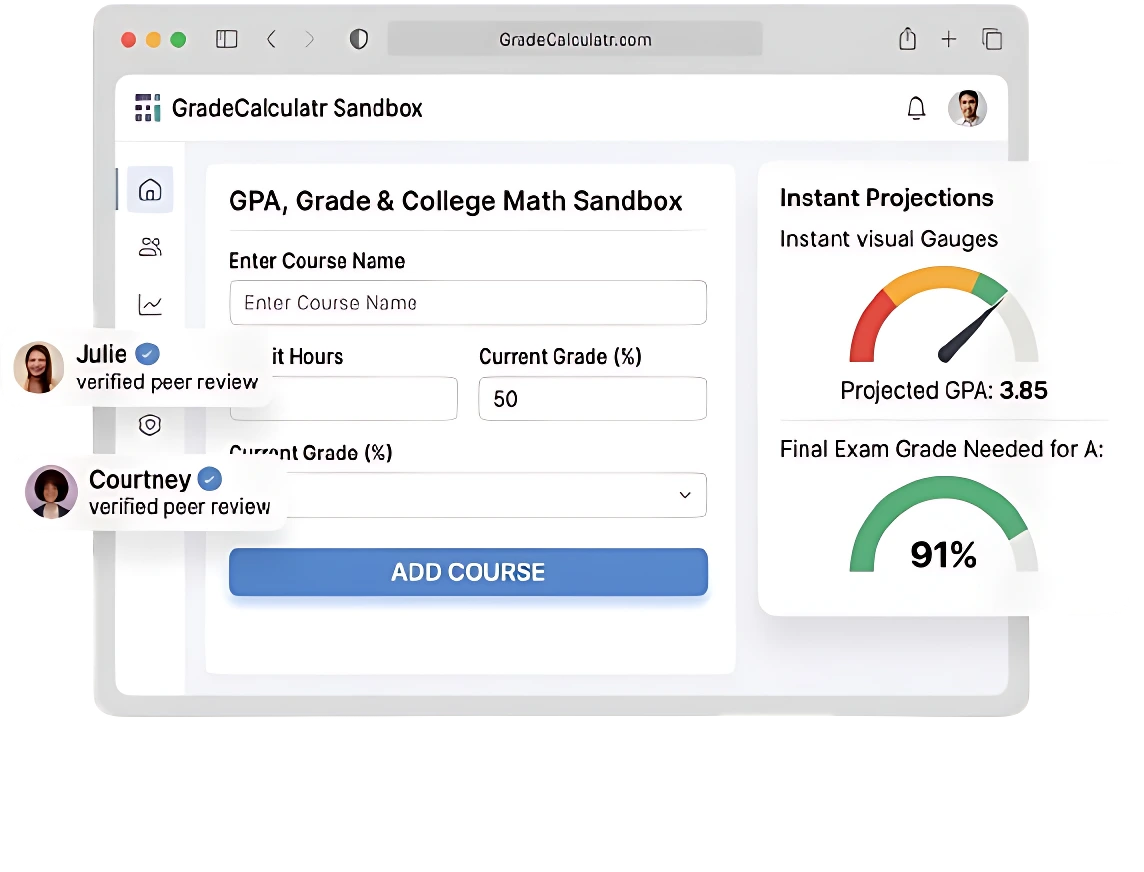
University Grade Calculator | Easy & Accurate Online Tool
Grade Calculator
Calculate your overall grade or find the grade you need to reach your target.
| Assignment (Optional) | Percentage (%) | Weight (out of 100) | |
|---|---|---|---|
Struggling to calculate your final grade without dealing with confusing formulas? Our University Grade Calculator makes it easy to estimate weighted averages, final scores, and overall academic performance in seconds. Simply enter your quiz scores, assignments, exams, and percentage weights to instantly see how each result impacts your overall grade.
This easy and accurate online grading tool is useful for high school, college, and university students who want to track grades, monitor semester performance through semester grade calculator, and set academic goals without manual calculations. Whether you’re preparing for finals or checking your current progress, it helps make grade tracking faster and simpler.
What is the Grade Calculator?
A grade calculator is a simple online academic tool that helps you calculate your final or estimated course grade based on your marks and their weighted percentages. It allows you to quickly see how quizzes, tests, assignments, and exams impact your overall academic performance. By using this tool, students can track their current progress, set target grades, and make better academic decisions.
It saves time and removes the need for complicated manual calculations, making it useful for students at all educational levels. You can also use an average grade calculator, GPA tracking tool, or semester grade estimator to better understand your academic progress and performance throughout the semester.

Teachers and students can easily calculate course grades without using complex formulas or manual grading methods. These grading tools provide real-time academic insights after entering assignment scores, exam results, and percentage weights, helping users manage grades more accurately and efficiently.
How to Use a Grading Calculator?
Using the Grade Calculator is a simple process that requires entering basic information about your academic performance and assignment scores. To use this online grading tool, enter the score for each assignment, quiz, test, or exam along with its weight or percentage contribution toward your final grade. You can calculate results using percentage scores or letter grades, allowing students to view both percentage-based results and grade-based outcomes separately.
For every additional assignment, test, or exam, click the Plus (+) button to add a new entry. As you continue entering each component, the tool automatically updates the results, helping you track your current grade, semester performance, and overall course progress more accurately. For specific assessments, students can also use a test grade calculator to estimate individual scores and understand how each result affects their final grade.
Follow these steps to get accurate results:
Stage 1: Add Your Assignments
Enter the name of each assignment, quiz, test, or exam, such as Assignment 1, Homework, Quiz, Project, or Final Exam. This optional step helps students organize and track their exam scores and coursework more clearly.
Stage 2: Add Your Percentage
Enter the percentage score for each assignment, quiz, test, project, or exam. Simply add the earned percentage (for example: 20%, 45%, or 70%) so the calculator can accurately update your academic progress and grade estimation.
Stage 3: Add Your Weight
Add the assignment’s weight to your overall course grade. The weight determines how much each assignment affects your final result, with larger assessments like final exams carrying more importance in a weighted grading system.
Stage 4: Add Your Grade
Click on the grade section and select a letter grade such as A+, B-, C, or D. Then enter the assignment details and set its weight for more accurate GPA calculation and performance tracking. A Grade to GPA Converter can help students quickly convert grades into GPA scores using standard grading scales.
Stage 5: Automatically Calculate Your Grade
The tool automatically calculates your total grade using the scores and weights you entered. You can instantly view your current overall result and understand how each assignment impacts your final academic performance.
Benefits of Online Grade Tracking
Using a grade calculator offers several benefits for students, teachers, and academic management. These tools help improve grading accuracy, support better study planning, and make semester management easier throughout the academic year.
Scenario Planning
With this tool, students can experiment with hypothetical scores for upcoming assignments and exams to see how they may affect their overall grade. This helps with exam preparation, smarter study planning, and better time management.
Goal Setting
Students can set academic goals and determine exactly what scores are needed on future assignments, quizzes, or exams. Tools such as a grade needed calculator make it easier to plan target grades and improve overall student performance.
Track Progress
A grading tool allows students to monitor their GPA tracking, course progress, and overall academic performance throughout the semester. Regular performance analysis helps students adjust learning strategies before final exams.
Save Time and Reduce Errors
Using an online grading system eliminates manual calculations and improves grading accuracy by reducing mistakes in complex formulas. It also increases productivity and helps students manage coursework more efficiently.
Tips to Improve Your Grades
Here are some practical tips to improve academic performance, build better study habits, and achieve long-term academic success throughout the semester.
Submit Every Assignment on Time
Submitting every assignment on time is important for maintaining strong coursework management and overall grades. Missing assignments can significantly affect your average score and reduce overall GPA improvement opportunities.
Ask Teachers for Feedback
Teachers can provide valuable feedback on weak areas and recommend effective learning strategies to help students improve performance and prepare more effectively for exams.
Ask for Help When Needed
Tutoring, online resources, and study groups are useful for improving understanding and supporting better exam preparation. Seeking help early can also improve student productivity and reduce academic stress.
Study Consistently
Short daily study sessions are usually more effective than last-minute cramming before exams. Consistent study routines help strengthen study consistency, memory retention, and overall academic growth.
Monitor Your Academic Progress Weekly
Use your grading tool regularly to track scores, monitor academic growth, and manage your time management more effectively. Weekly progress tracking helps students stay focused on their academic goals and semester performance.
Features of the Grade Calculator
Modern grade calculators include smart features that make grade tracking, academic tracking, and performance management faster, easier, and more accurate for students and teachers.
Customizable Grade Tracking
Students can add or remove assignments to match their real coursework and personal grading structure. For example, if a teacher drops a quiz score, users can remove it from the system, and the tool automatically updates the final result for more accurate score management and performance monitoring.
Multi-Device Compatibility
Most online grading tools work smoothly on desktops, laptops, tablets, and smartphones, providing better cross-device accessibility for students who want to check grades anytime and anywhere.
User-Friendly Interface
The grading tool includes a simple and user-friendly interface where students can enter assignment names, percentage scores, and weights to instantly view calculated results. This improves academic management, reduces manual errors, and saves time.
Real-Time Grade Updates
The tool automatically refreshes grades whenever new scores or weights are added, helping students track real-time grade updates, monitor overall progress, and understand how each assignment affects their final academic performance.
Calculate Your Overall Grade
Students can automatically calculate their current scores once all assignment details, exam marks, and percentage weights are entered into the grading tool. The system helps users understand how close they are to achieving their target grade, improve academic evaluation, and estimate scores needed for upcoming exams or assignments.
This feature is especially useful for students asking questions like, “What score do I need on my final exam to pass the course?” Tools such as a final grade calculator, exam score estimator, and academic score tracker help simplify grade planning and performance analysis.
Example:
- Current Grade: 82%
- Final Exam Weight: 40%
Using a final grade calculator, students can estimate that they may need approximately 90% on the final exam to achieve a target grade of 88%.
Grade Calculation Formulas
Different courses and schools use different grading systems and grading methodologies to calculate academic performance. The most common methods include weighted grades and total points grading.
Weighted Grade Calculation (Formula)
For weighted grades, the formula is:
Weighted Grade=(Weight1×Score1)+(Weight2×Score2)+⋯
Example:
| Assignment | Score | Weight | Contribution |
| Homework | 85 | 20% | 17 |
| Quizzes | 90 | 30% | 27 |
| Final Exam | 80 | 50% | 40 |
Total Weighted Grade = 84%
A weighted grading system helps students understand how each assignment contributes to their final course grade.
Total Points Grade Calculation:
Some courses use a total points grading system instead of weighted percentages. The formula is:
Total Points Grade = (Points Earned ÷ Total Points Possible) × 100
| Assignment | Points Earned | Points Possible |
| Homework | 42 | 50 |
| Quizzes | 30 | 40 |
| Final Exam | 90 | 100 |
Total Grade = 85
A points-based grading method simplifies academic score calculations and reduces manual errors.
Grade Calculation Examples
Example 1: Weighted Grade Calculation
| Assignment Type | Score | Weight | Contribution |
| Homework | 85 | 20% | 17 |
| Quizzes | 90 | 30% | 27 |
| Final Exam | 80 | 50% | 40 |
Weighted Grade = 84%
This example helps students understand weighted scoring, exam performance, and overall academic performance tracking.
Example 2: Grade Calculation by Total Points
| Assignment | Points Earned | Points Possible |
| Homework | 42 | 50 |
| Quizzes | 30 | 40 |
| Final Exam | 90 | 100 |
Total Points Grade = 85%
Example 2: Grade Calculation by Total Points
Example 3: Dropped Lowest Score
Some schools allow the lowest quiz or assignment score to be removed from the final calculation.
- Original average = 81.67%
- After dropping lowest Score= 87.5%
A grading tool with dropped score calculation helps students understand how removed assignments impact their overall grade.
Grade Scale
The following grading scale is commonly used in schools, colleges, and universities to convert percentages into letter grades and GPA conversion values.
Letter Grade Scale
Most schools and colleges convert percentages to letter grades. Here is a typical scale:
| Letter Grade | Percentage | GPA (4.0 Scale) |
| A+ | 97–100% | 4.33 |
| A | 93–96% | 4.0 |
| A- | 90–92% | 3.67 |
| B+ | 87–89% | 3.33 |
| B | 83–86% | 3.0 |
| B- | 80–82% | 2.67 |
| C+ | 77–79% | 2.33 |
| C | 73–76% | 2.0 |
| C- | 70–72% | 1.67 |
| D+ | 67–69% | 1.33 |
| D | 63–66% | 1.0 |
| D- | 60–62% | 0.67 |
| F | 0–59% | 0.0 |
An online grading tool can automatically perform percentage grading, letter grade conversion, and cumulative GPA estimation.
Meaning of Letter Grades
- A / A+: Excellent performance
- B / B+: Good understanding
- C / C+: Average performance
- D / D+: Minimum passing level
- F: Failing grade
Understanding grade meanings helps students improve academic planning and monitor performance more effectively.
Grading Systems
In many schools and universities, grades are reported using percentages, letter grades, or GPA systems. Some courses use weighted scoring systems, where major assignments and final exams carry more value than smaller coursework activities.
Grade Conversion Table
A grade conversion table helps students convert percentage scores into letter grades and GPA values more easily.
| Percentage | Letter Grade | GPA |
| 90–100% | A / A+ | 4.0–4.33 |
| 80–89% | B / B+ | 3.0–3.66 |
| 70–79% | C / C+ | 2.0–2.66 |
| 60–69% | D / D+ | 1.0–1.66 |
| 0–59% | F | 0.0 |
These conversions help students better understand their academic standing, GPA performance, and overall course results.
Why Your Grade May Look Different
Sometimes, students may notice small grading differences between their calculated grades and official gradebook results. This usually happens because different schools and teachers follow different grading policies and final score calculation methods.
Some schools round grades to the nearest whole number, while others use decimal-based score rounding. These small changes can slightly affect the final calculated result shown in a grading tool or school portal.
In some cases, the online grading system may include all assignment scores unless students manually remove dropped quizzes or assignments. Because of this, dropped score calculations may not always match the official classroom gradebook.
Another common reason is extra credit adjustments. If bonus points or extra credit assignments are not entered into the grading tool, the estimated result may appear lower than the actual course grade.
Additionally, category weights may not always equal 100%, which can impact grade estimation and overall accuracy. A weighted grading system helps students better understand these calculations and get a more accurate view of their academic performance.
How to Plan Your Academic Goals
Smart academic planning helps students stay organized, improve academic performance, and achieve their target grades more effectively throughout the semester.
Set Academic Goals: Decide your target grade or GPA goals for each course so you can build a clear semester strategy and stay focused on academic success.
Check Your Current Performance: Use an online grading tool or academic progress tracking system to understand your current standing and monitor overall course performance.
Identify Important Assignments: Review which quizzes, assignments, projects, or exams carry the most weight in your course. This helps students improve coursework planning and focus on high-impact tasks.
Focus on High-Weight Exams and Assignments: Spend more time on assignments and exams that strongly affect your final grade. Better study priorities and proper exam preparation can significantly improve results.
Track Progress Regularly: Enter new scores weekly into the grading tool to monitor performance improvement, manage grades more effectively, and stay on track throughout the semester.
Why Students Use Grade Calculators
A grade calculator helps students manage coursework management, track academic progress, and make smarter study decisions throughout the semester. It supports better academic success, improves planning, and helps students stay focused on their educational goals.
Predict Future Scores: Know exactly what you need on finals or projects.
Monitor Your Progress Effortlessly: Monitor performance weekly or monthly.
Reduce Anxiety: No guessing; clear understanding of academic standing.
Plan Academic Strategy: Focus efforts on assignments that carry the most weight.
Student & Teacher Reviews
“As a high school math teacher, this grade calculator saves me hours every term. Highly accurate and incredibly easy to use!”
“Finals week used to be so stressful, but this tool tells me exactly what I need to score to keep my A grade. Lifesaver!”
“I love the weighted grading option. It matches my syllabus perfectly, and I always recommend it to my university students.”
“Super clean interface on mobile. I can check my GPA and grades between classes quickly. 10/10 recommendation!”
“The UI is so intuitive that even my youngest elementary students can input their marks and track their own progress.”
“Calculating my cumulative GPA for university applications was a breeze with this site. Simple, fast, and free.”
“An excellent tool for parent-teacher conferences. I can visually show parents what grades their kids need to pass.”
“I was confused about how my percentage maps to an Alpha Grade, but the instant letter conversion fixed it for me.”
“The ad-light and fast loading experience makes it perfect for quick classroom demonstrations on grading logic.”
“Best calculator for estimating my grade before the semester ends. Highly recommend it to all my friends.”
“I love how it handles custom scales. My school uses non-traditional bands, and this calculator adapts flawlessly.”
“It’s totally straightforward—no fluff, no unnecessary accounts to make. Just paste grades and get the final score instantly.”
Frequently Asked Questions (FAQs)
Last Thoughts
If you are a student or educator, a grade calculator is the perfect tool to track academic performance effectively. Grade management aims to simplify it with features such as a final grade, a semester grade calculator, and a grade average calculator. A good online calculator will also help students understand the impact of assignments on their grades, see how upcoming exams will affect them, and track their progress toward academic goals.